

A business asks for more traffic. The audit finds a broken form, conflicting service information and a report that counts every phone click as a customer. More visitors would not solve those problems.
A small business digital audit should identify what prevents customers from understanding, trusting and using your business. In the AI era, it also needs to examine the tools that generate content, interpret results and take actions on your behalf.
Set the business question and preserve a baseline
Choose the decisions the audit must support. Are you investigating fewer inquiries, preparing a campaign or reviewing a website after a migration? Record the relevant dates and any known changes.
List the systems in scope: website, search profiles, analytics, advertising, email, CRM and connected AI tools. Confirm ownership and access. Keep private data within approved systems and avoid collecting more than the audit needs.
Save the original state before making changes. Capture representative pages, record settings that matter and preserve recoverable backups where appropriate. An audit that changes everything immediately loses its comparison point.
Walk through the customer journey
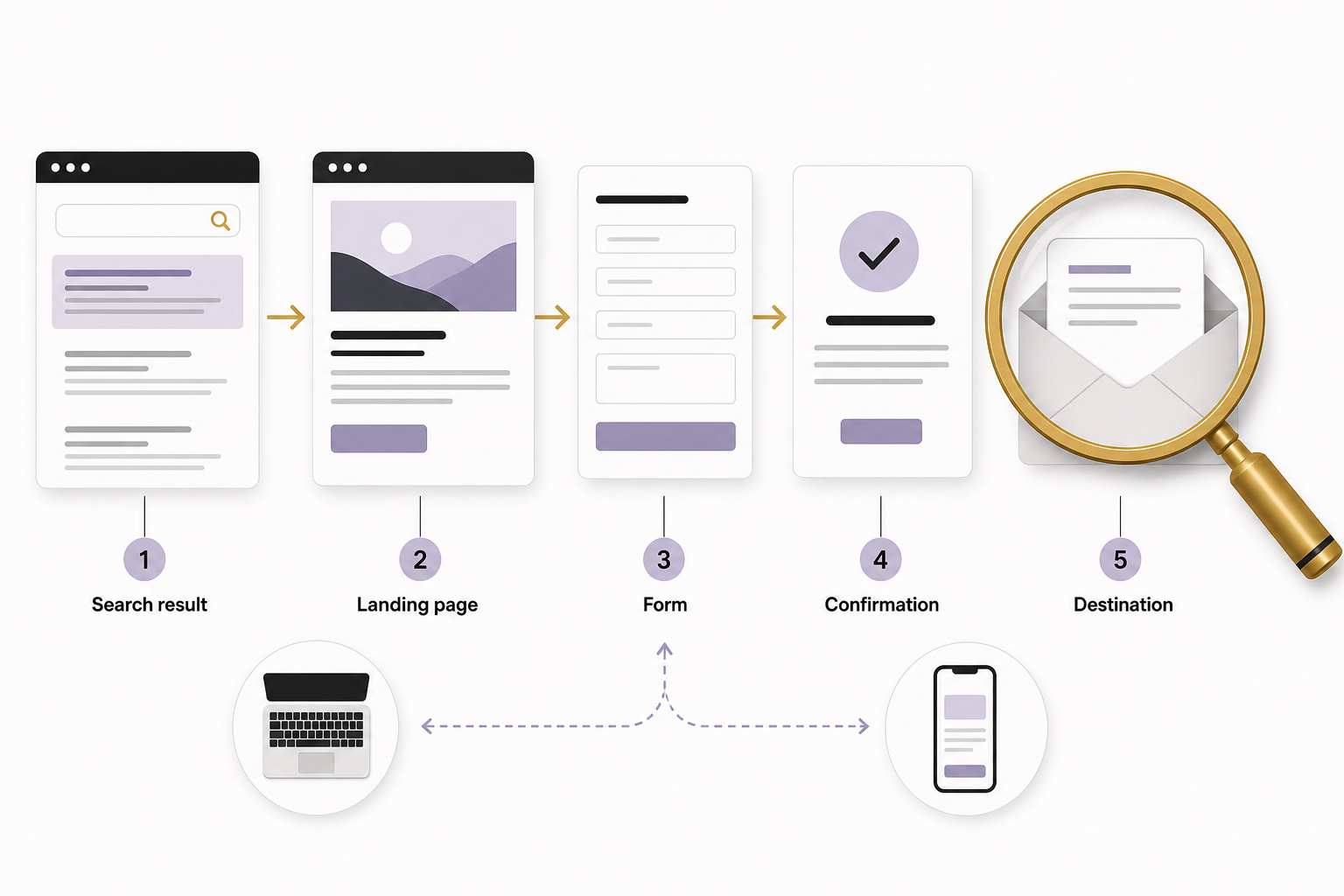
Start with the path a customer actually uses. Open a search result or campaign link, read the destination page, find the offer and complete the intended action using clearly labeled test data.
Check mobile layout, navigation, readable text, links, forms and confirmation messages. Use a keyboard and enlarged text. W3C’s form guidance highlights labels, instructions and feedback as practical requirements for usable interactions. W3C: Forms tutorial
Verify the destination too. Did the inquiry reach the correct inbox or CRM? Was an appropriate confirmation sent? Does the business know who follows up? A successful animation on the website does not prove a successful handoff.
Inspect speed and technical health in context
Use current performance tools and distinguish lab diagnostics from real-user field data. Google’s Web Vitals guidance explains that these measurements answer related but different questions. Google web.dev: Web Vitals
Check representative templates, not just the homepage. A product page with large images or an article with several embeds may behave differently. Record the device and test conditions so comparisons mean something.
Review broken links, redirects, canonical URLs, indexability and sitemap coverage. Check the public page after any correction. A high tool score does not establish accessibility, accurate content or a working sales process.
Audit facts and content usefulness
Compare service names, contact details, hours, locations and offers across the website and profiles. Identify obsolete tutorials and unsupported claims. Prioritize information that affects a customer’s decision or ability to use the service.
For each important article, ask what question it answers, what evidence supports it and where the reader should go next. Look for overlapping pages and generic content that says little beyond the title.
Do not treat changing a date as a refresh. A meaningful update corrects the answer, adds needed evidence or improves how someone completes the task. Keep a short record of what changed.
Reconcile marketing measurement with business records
Review event definitions, duplicate tags and consent behavior. Separate clicks, accepted inquiries, qualified leads and customers. Check a sample from the website through the CRM or order system.
For paid campaigns, compare the offer and destination page with the audience and reported outcomes. For email, check authentication, subscription records and suppression. For social channels, review profile accuracy and whether content supports a clear business purpose.
Write down measurement gaps. If revenue is missing, the audit should request the needed source rather than manufacturing return on investment. If platforms disagree, explain their definitions before choosing a number.
Add an AI workflow inventory
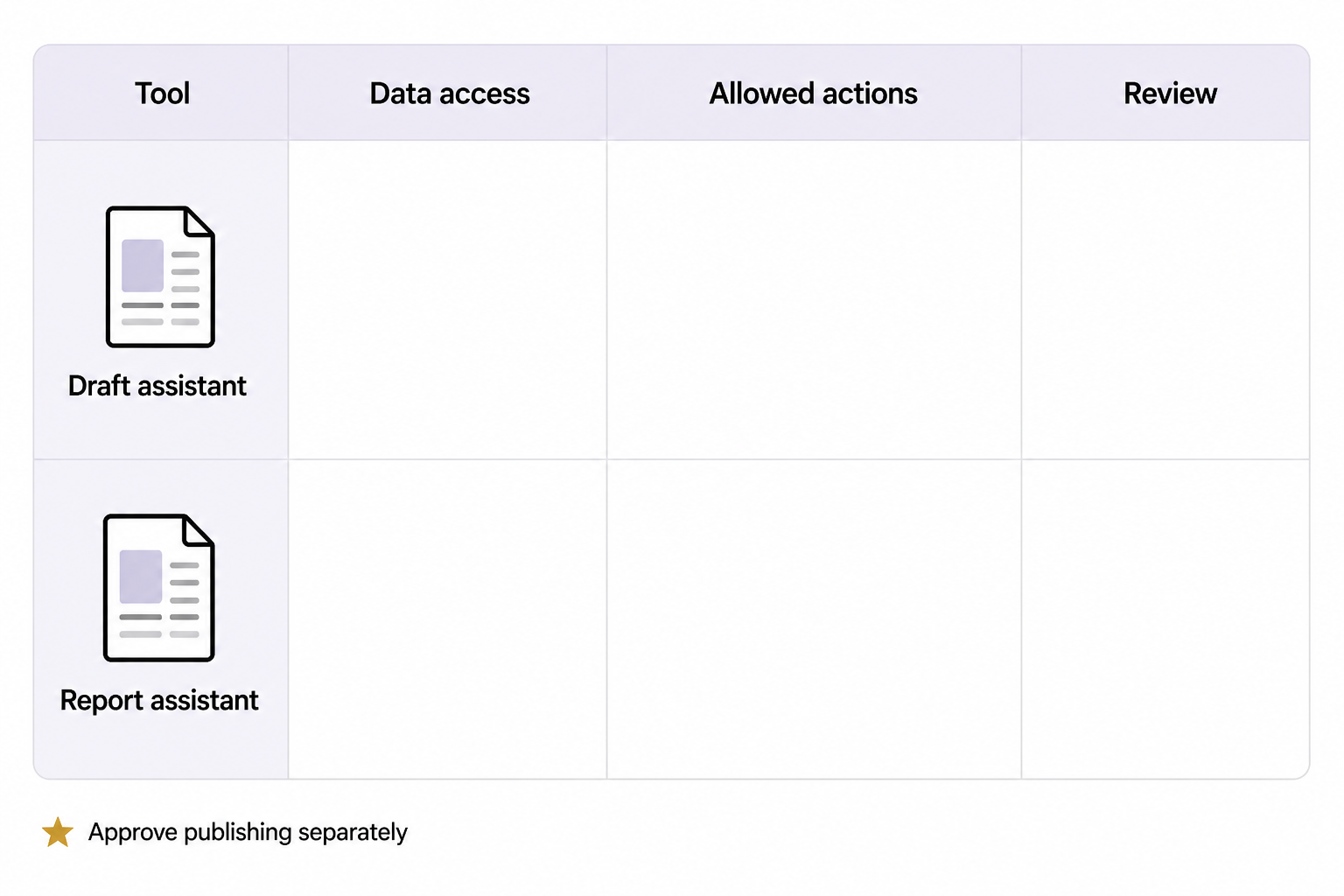
Record each assistant or integration, its owner, data access and permitted actions. Identify where output becomes public, where private information is processed and where a human review is required. NIST’s AI risk framework treats trustworthiness as something to manage throughout use. NIST: AI Risk Management Framework
Test one realistic failure case: an unsupported claim in a draft, a missing source in a summary or an instruction to change an unapproved setting. Can the process detect it and stop? Keep read-only analysis separate from authority to publish or spend.
A hypothetical example
A business uses AI to summarize weekly marketing results. The audit finds the assistant receives traffic data but no lead outcomes. Its statements about sales growth are therefore unsupported. The fix is to change the report inputs and instructions, then verify the next summary against actual records.
End with a ranked repair list
For each finding, record evidence, business effect, proposed fix, owner and verification method. Address exposed data, broken journeys and inaccurate critical facts before cosmetic improvements or new tool purchases.
Keep the first work package small enough to complete and verify. Then repeat the affected customer journey and compare the result with the baseline. If you want help turning an audit into a practical repair plan, start with an Eastmoor Digital discovery call.
Sources & further reading
Primary references checked for this refresh. Availability and platform behavior may change.
- Google web.dev: Web VitalsChecked 2026-08-31
- NIST: AI Risk Management FrameworkChecked 2026-08-31
- W3C: Forms tutorialChecked 2026-08-31