

Google Search Console helps you investigate how Google discovers and presents your website. It does not replace website analytics or your sales records. A search click, a visit and a qualified inquiry are different events.
Begin with a verified property and a clear question. “Why did inquiries fall?” needs several sources. “Which pages lost search clicks?” is a question Search Console can help narrow down.
1. Search performance by page and query
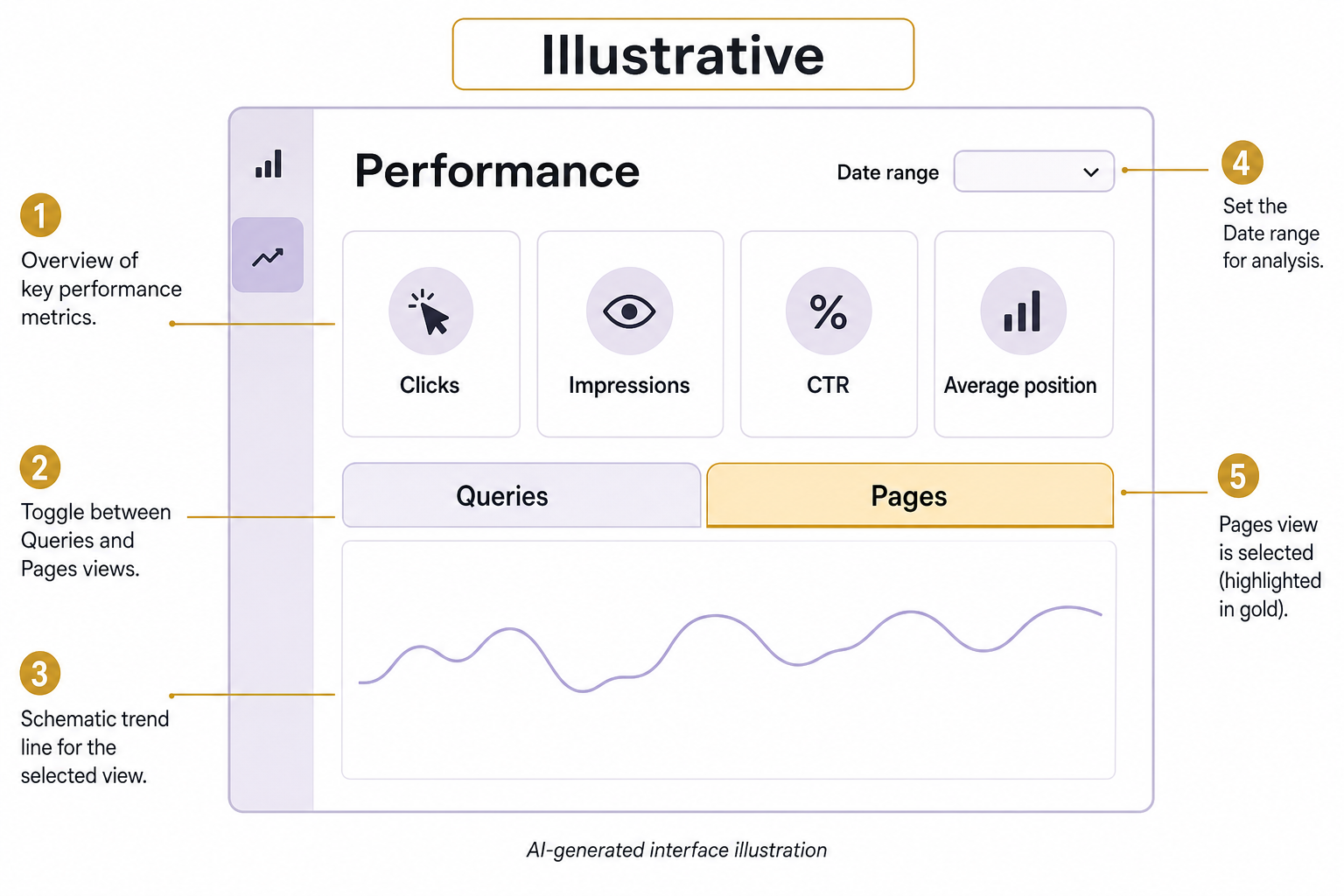
Review clicks, impressions, click-through rate and average position with consistent date ranges and filters. Google’s performance-report documentation explains these metrics. Avoid treating average position as one fixed rank.
Separate brand-name searches from service and informational questions when that distinction helps. Compare affected pages rather than relying only on the sitewide total. A change in the mix of queries can alter click-through rate without a title becoming better or worse.
2. Indexing of important pages
List the pages that matter to the business: main services, key guides and useful location pages. Check whether their indexing status matches your intention. An excluded duplicate or retired URL is not automatically a problem.
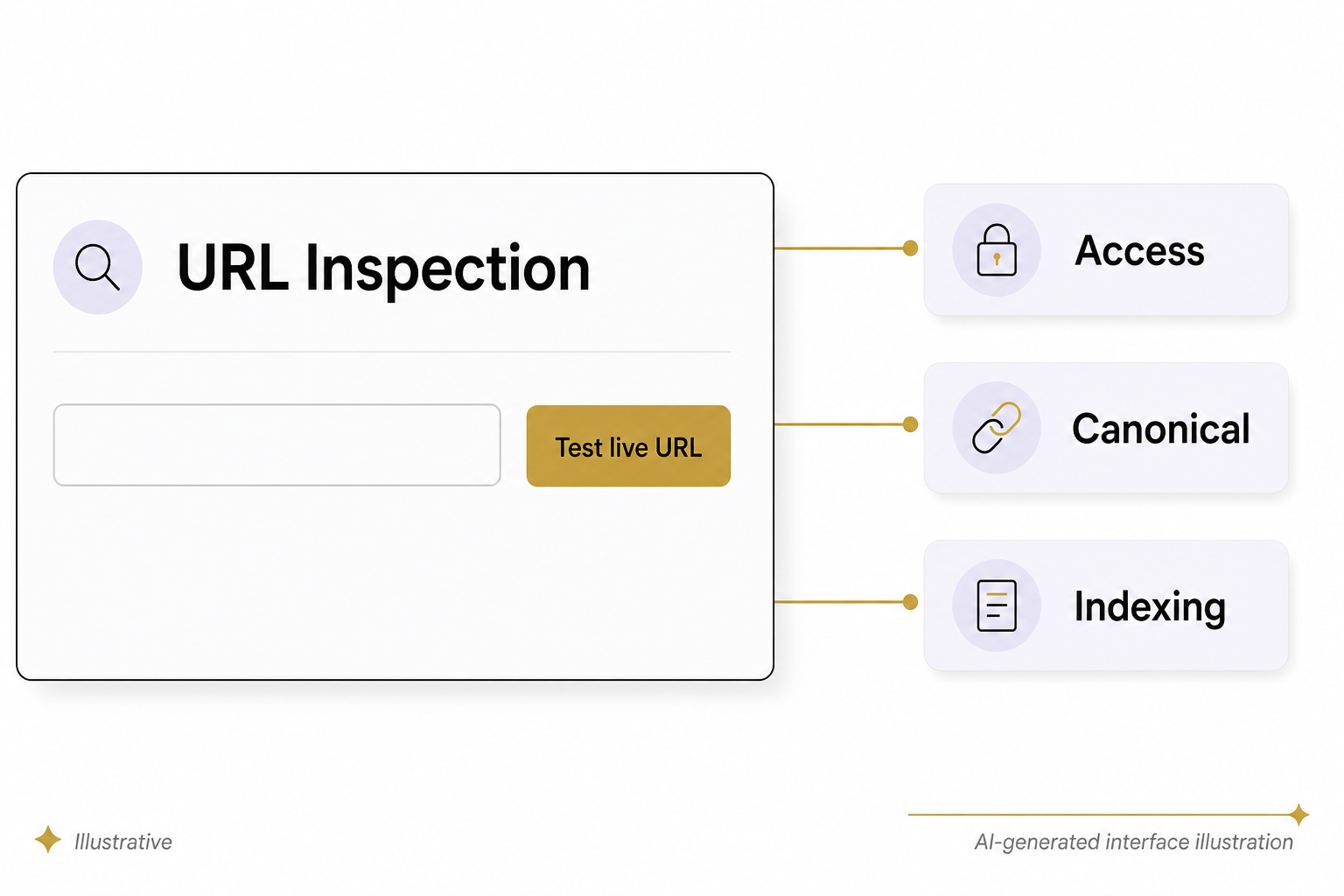
For an important page that is missing, inspect the URL and investigate the reported reason. Check canonical selection, access rules and the rendered page before making changes. Submitting a URL does not guarantee indexing.
3. Your sitemap and discovery paths
A sitemap should reflect the URLs you want considered, not every technical address the site can generate. Compare it with your content inventory. Investigate staging addresses, broken URLs and unintended redirects.
Also make sure useful pages have sensible internal links. A sitemap is not a substitute for navigation that helps a customer reach the answer.
4. Page experience signals
Use the current Core Web Vitals reporting where enough field data exists. The metrics cover loading, responsiveness and visual stability: LCP, INP and CLS. Their definitions are maintained in the Web Vitals guidance.
Do not build a process around the retired Mobile Usability report. Test actual mobile pages, forms and navigation yourself. A report with insufficient data is not evidence that the page is fast or slow.
5. Links, security and manual actions
Use link information as an investigation aid, not a complete inventory or a score to maximize. Ask whether useful pages are connected and whether unexpected external links warrant closer inspection.
Review security and manual-action notices directly. A traffic decline alone does not establish either condition. If a notice exists, preserve its exact details and address the stated issue rather than applying a generic SEO cleanup.
6. Available AI-search insights and controls
Google announced new generative-AI impressions, page and country insights, plus an inclusion control, on June 3, 2026. Its announcement describes an initial subset of UK website owners, not universal availability. Check what your property actually exposes before promising a report.
Record which features and filters are available, their definitions and the reporting period. Do not relabel all organic search traffic as AI traffic or infer that an AI impression produced a sale. Connect observations to analytics and CRM evidence where possible, keeping the limits visible.
Use AI as an analyst, not a source of numbers
You can ask an approved AI tool to summarize an export and flag pages worth investigating. Require every observation to include the source row, period and calculation. Recalculate totals independently, and remove confidential or identifying data before sharing it.
For a hypothetical service page with stable impressions but fewer clicks, possible questions include changed query mix, search presentation and relevance. That is a shortlist for investigation, not a diagnosis.
Keep a monthly decision log: observation, hypothesis, evidence, action and next review. Talk with Eastmoor Digital if you need help connecting search visibility to actual business outcomes.
Sources & further reading
Primary references checked for this refresh. Availability and platform behavior may change.
- Google: Search Console performance reportChecked 2026-08-31
- Google: New controls and insights for website ownersChecked 2026-08-31
- web.dev: Web VitalsChecked 2026-08-31