

A Google-friendly site should be easy for a person to use and straightforward for search systems to access. Start there. Adding an AI plugin, a new file or a complicated schema package will not rescue a page that gives a poor answer.
For a small business, the first useful audit is simple: can a potential customer reach the right page, understand the service and complete the next step?
Check that important pages are accessible
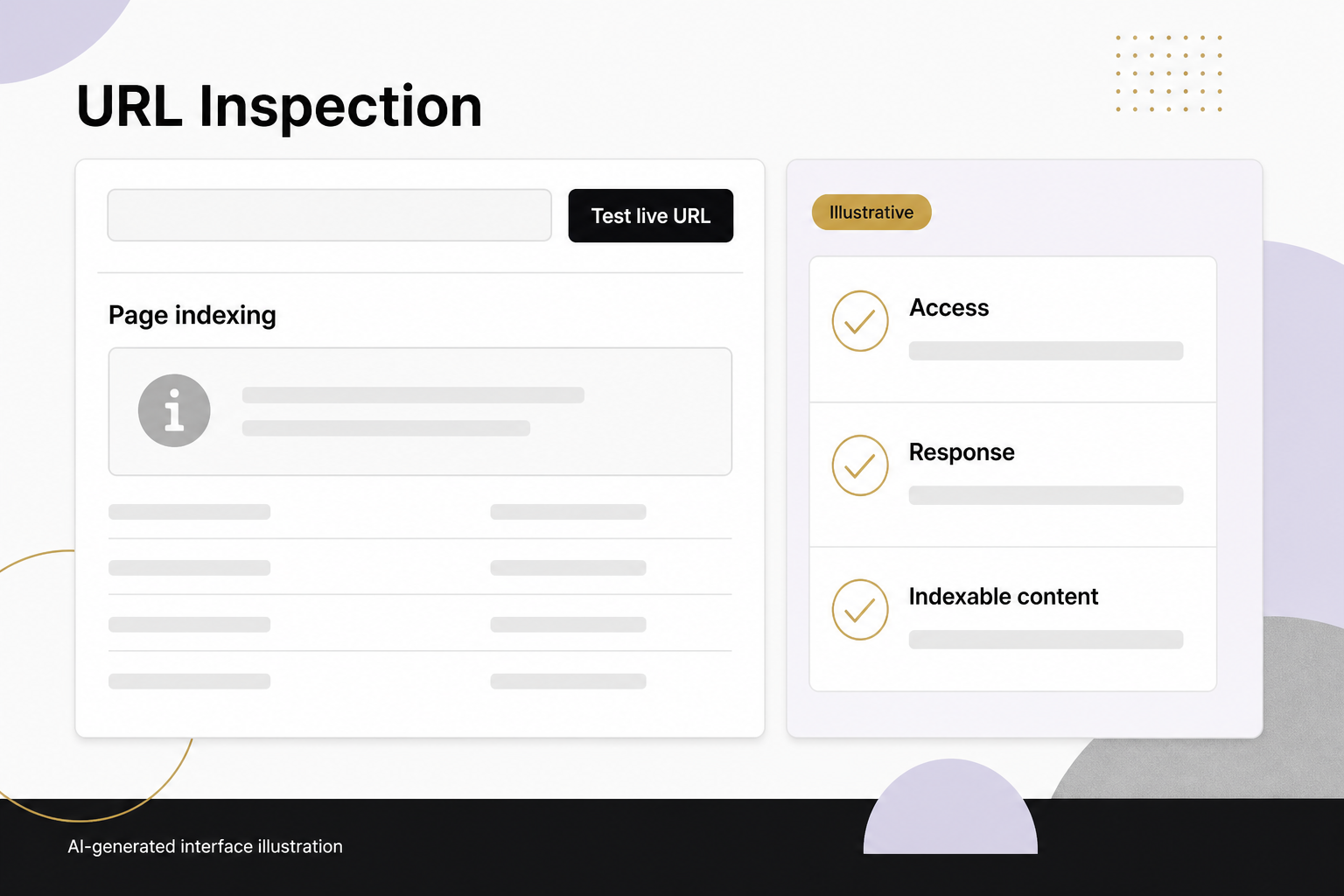
Google’s technical requirements include accessible pages, successful responses and indexable content. Inspect your important URLs directly, then compare their status in Search Console.
Keep private previews private, and keep unintended preview addresses out of public navigation. Check that the production page is not accidentally marked noindex or hidden behind authentication. Do not remove restrictions from administrative or sensitive areas just to make a crawler report look cleaner.
Make the page’s purpose obvious
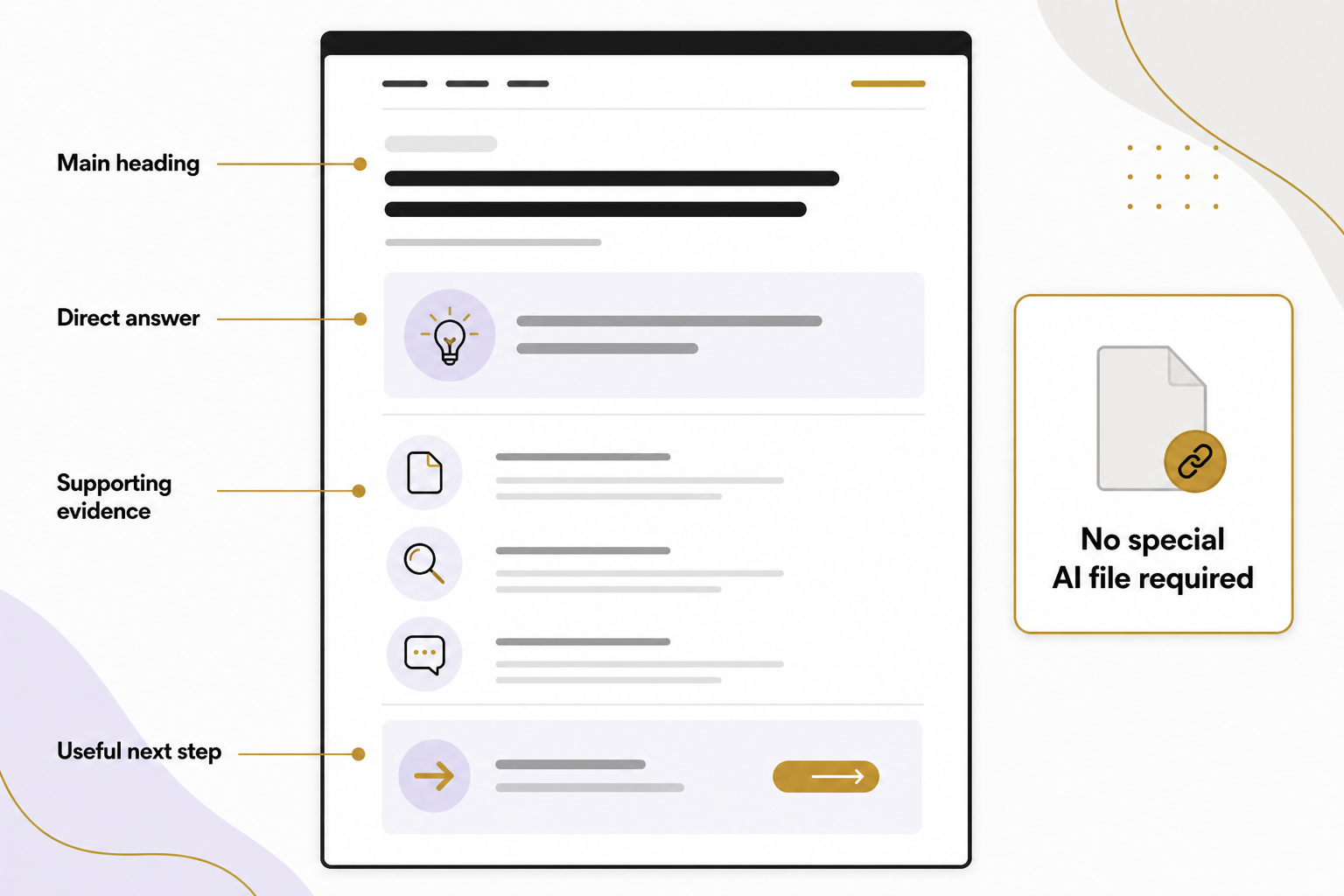
Use one clear main heading and an introduction that answers the opening question. Explain the subject in the language your customers use. If the page describes a service, state what it includes, who it suits and what information is needed to get started.
Arrange longer explanations under descriptive headings. Link to the next useful answer at the point where someone needs it. Avoid a layout that buries the content beneath popups, repeated calls to action or unrelated promotional modules.
Understand what AI search actually requires
Google’s AI-search guidance says a page must be indexed and eligible for a Google Search snippet, and the site must be included in Search generative AI features through Search Console. Special AI text files and a unique schema type are not required.
If your property exposes the control, open Settings > Search generative AI and check its effective inclusion choice, including any inherited parent setting. Google says inclusion is the default, while child properties can inherit a parent’s choice. The control is still rolling out to a subset of website owners, so a missing menu alone does not establish that your site is excluded. See Google’s Search generative AI control guidance.
Record the current setting and the business’s intended choice before changing it. Meeting the eligibility requirements does not guarantee that Google will index or display the page.
Your editorial effort should improve the underlying answer. A useful comparison, a documented process or a clearly labeled example can give readers something more than a generic summary. Do not invent first-hand experience to make the article sound authoritative.
Make business facts easy to verify
Keep service descriptions, contact details and locations consistent. Give sources for factual claims that readers may need to check. Use real author or organization information rather than fictional expertise.
If information changes, update the relevant explanation and record what changed. Do not simply roll the date forward. For software guides, remove instructions for retired features and identify account or regional limits when they affect the steps.
Use AI to inspect, not silently publish
An approved AI tool can compare your page inventory, flag duplicate titles or suggest unclear passages. Give it exact inputs and ask it to show its evidence. A model should not invent missing pages, customer outcomes or search volumes.
Try a small review first. For example, ask it to identify which of five service pages fail to explain the next step. Open each cited passage, make the necessary edit and verify the rendered result. Expand only after the method produces reliable findings.
Test the real customer journey
Use a phone, a desktop and a keyboard. Can you find a relevant service, read the details and contact the business? Does a form show useful errors? Does the submission reach the right destination? Test with an agreed test record rather than a real customer request.
Check images, loading behavior and links. A green audit score is not a substitute for completing the journey. Also verify that essential content remains understandable if optional scripts fail.
Keep a short maintenance routine
Review your most useful pages, Search Console issues, broken links and contact paths regularly. Prioritize problems that prevent access or action before small cosmetic adjustments. Keep backups and a change log so a failed update can be reversed.
A better website is the result of useful answers and dependable execution. Talk with Eastmoor Digital about which foundations your site needs next.
Sources & further reading
Primary references checked for this refresh. Availability and platform behavior may change.
- Google: Technical requirementsChecked 2026-08-31
- Google: Optimizing for generative AI searchChecked 2026-08-31
- Google Search Console: Search generative AI controlChecked 2026-08-31