

There is no useful universal answer to “How many WordPress plugins is too many?” A plugin that adds a small administrative feature may have little effect on visitors. One that loads scripts on every page or performs expensive work can matter much more.
The better question is whether each plugin provides a necessary capability at an acceptable cost in performance, maintenance and risk.
Make an inventory with a purpose
List each plugin, its job, owner, update status and the pages or processes that depend on it. Include forms, SEO metadata, backups, caching, security, payments and integrations. Do not assume an unfamiliar name means the plugin is unnecessary.
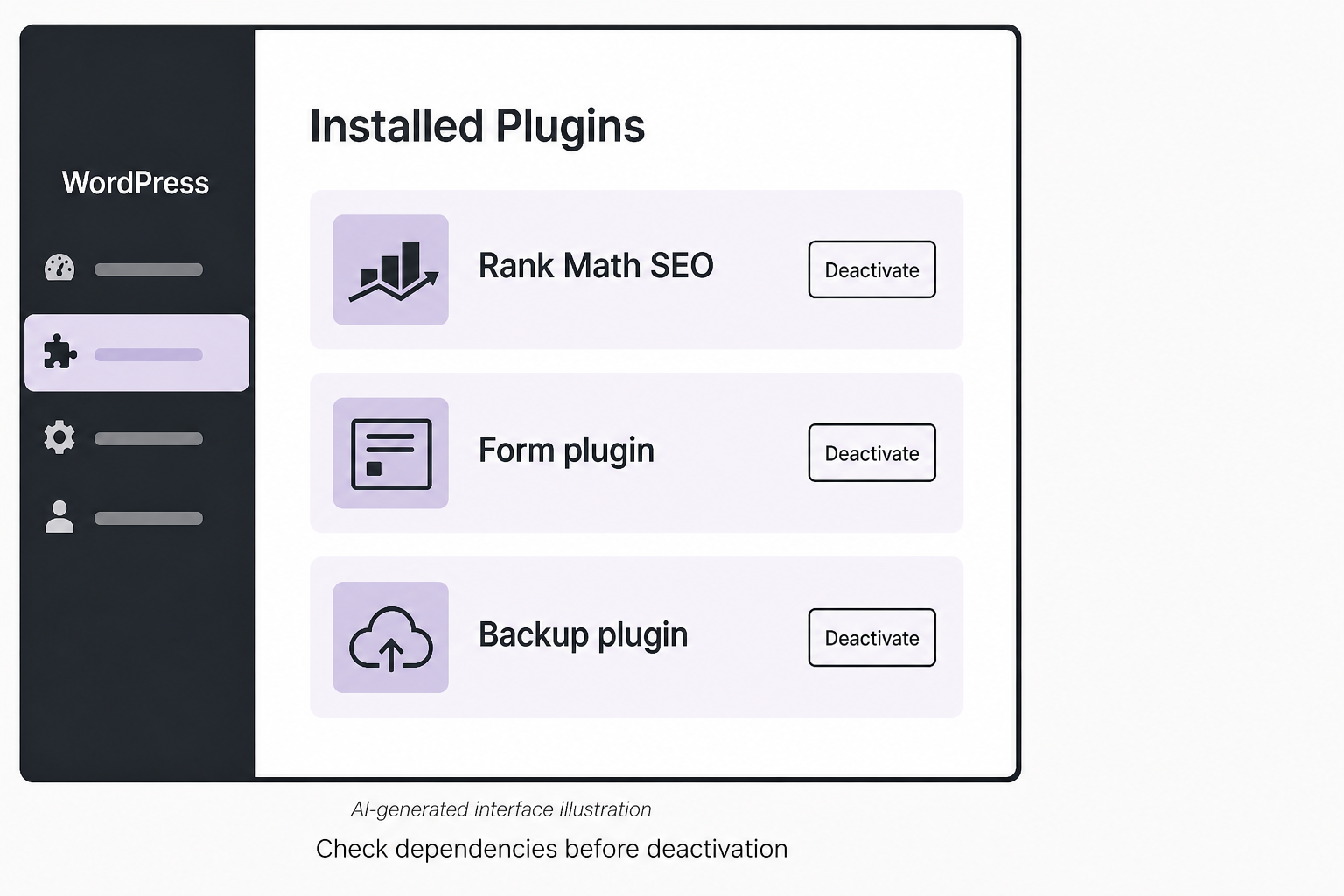
WordPress documents compatibility, updates and removal in its plugin management guide. Use those controls with a backup and a clear understanding of dependencies.
Find overlapping responsibilities
Two plugins may both generate schema, cache assets or insert analytics tags. That can create duplicate output or conflicting behavior. Choose one owner for each function wherever practical, but inspect the actual configuration before removing anything.
A hypothetical site might have a form plugin, a separate conversion-tracking integration and a spam filter. Those are not automatically duplicates. Removing the integration could leave the form visible while breaking measurement or delivery.
Measure impact on representative pages
Check the homepage, a service page, an article and any critical form or checkout route. Review loaded scripts, server work and interaction behavior. PageSpeed Insights can supply useful diagnostics, but its score alone does not identify the responsible plugin.
Test a suspected change in an isolated copy. Compare the same routes under similar conditions. Note both performance and functionality. A speed improvement that loses inquiries is not a successful optimization.
Give AI plugins a separate permission review
An AI writing assistant, chatbot and autonomous site manager have different access needs. Ask what content leaves the site, which provider receives it, how it is retained and whether the plugin can publish, edit settings or access customer records.
Start with the smallest permission set needed. Prefer draft-only behavior for generated copy. Keep administrative actions behind review. Do not give a content-suggestion tool broad production access merely because setup makes that convenient.
Test with public or synthetic data first. Ask the provider how secrets and private information are handled, and check the current documentation rather than relying on a badge or marketing claim.
Remove or replace safely
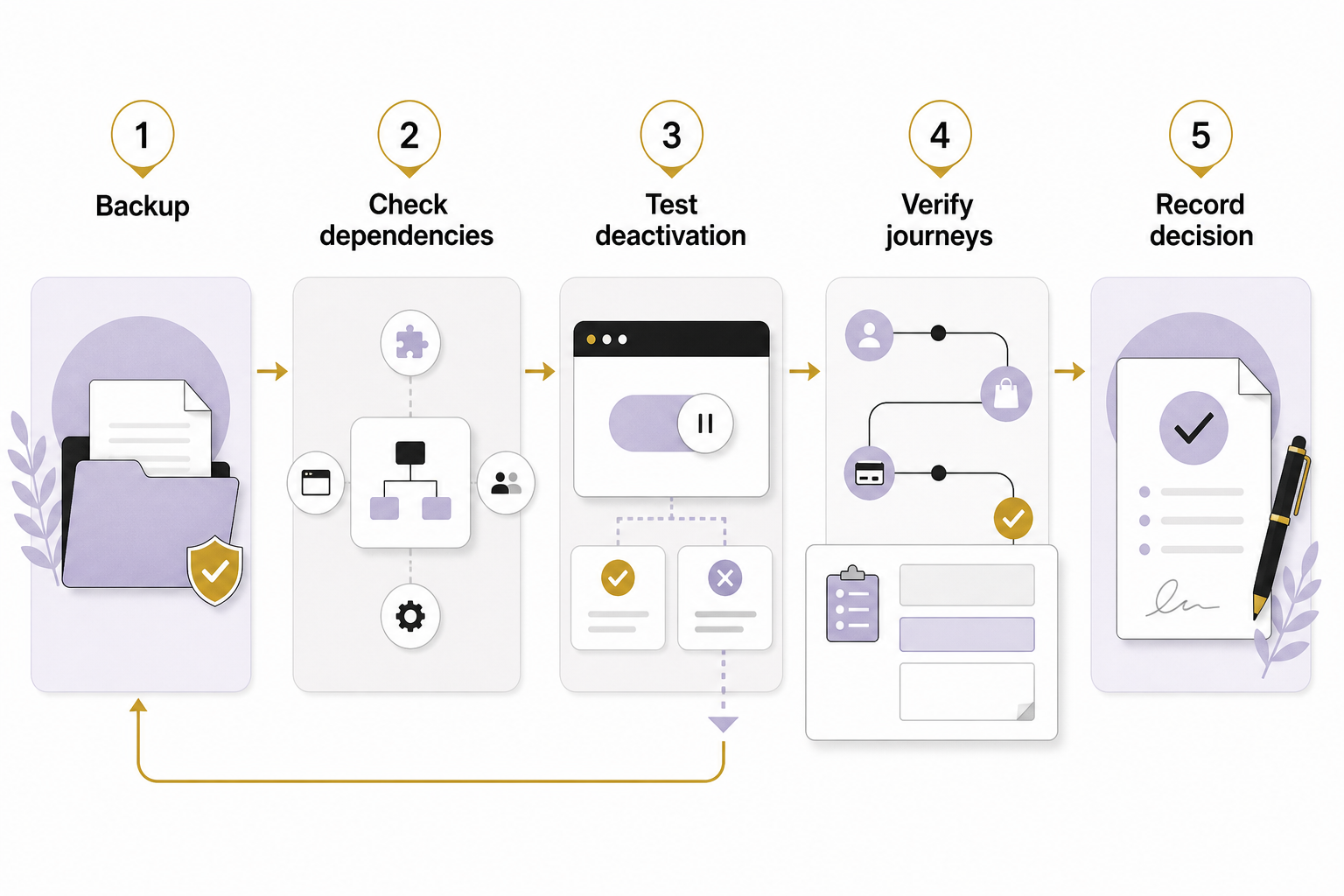
- Capture a restorable backup and current settings.
- Identify shortcodes, blocks, database records and integrations owned by the plugin.
- Test deactivation in an isolated environment.
- Inspect affected pages and complete their main interactions.
- Confirm whether uninstalling removes data or leaves it behind.
- Document the change and verify the production result after approval.
Do not delete database tables based on a guessed prefix or an AI-generated cleanup command. Confirm ownership and retention requirements first.
Keep a maintenance decision log
For each retained plugin, record why it stays and who is responsible for reviewing it. For removed software, record what replaced its function. This prevents a future editor from reinstalling an unnecessary tool because the original decision disappeared.
Review plugins when the site’s needs change, after major updates and when a supported component is abandoned. A low plugin count is not a security guarantee, and a high count is not a diagnosis.
Your aim is a website you can understand, maintain and recover. Talk with Eastmoor Digital about auditing the plugin functions your business actually depends on.
Sources & further reading
Primary references checked for this refresh. Availability and platform behavior may change.
- WordPress: Manage pluginsChecked 2026-08-31
- Google: About PageSpeed InsightsChecked 2026-08-31