

You need to change a service description on your website. If that simple update requires finding an old developer, locating a file and hoping nothing breaks, a content management system may help.
A CMS separates much of the everyday content work from the underlying website code. It can give you a place to edit pages, organize articles and manage media. Whether it is the right choice depends on how your business actually maintains its site.
Start with the work, not the platform
List the changes you expect to make during an ordinary month. That might include hours, services, products, articles, staff information or event details. Note who should make each change and who should approve it.
A site that publishes frequently needs a dependable editing workflow. A small, rarely changed information site may not need a complex system. An online store also needs product, inventory and checkout capabilities that a basic article editor does not provide.
Do not choose based only on how quickly a demo creates a homepage. The more useful test is how the system handles your tenth update, a correction and a staff change.
Decide what the business must control
Account ownership, the domain and access to content should remain clear. Ask how you export text and media, preserve URLs and move to another provider if necessary. An export may not preserve every layout or integration, so inspect what it actually contains.
Identify the content types you need. Services, products and articles should not all become improvised pages with different formatting. Consistent fields make editing, navigation and future updates easier to manage.
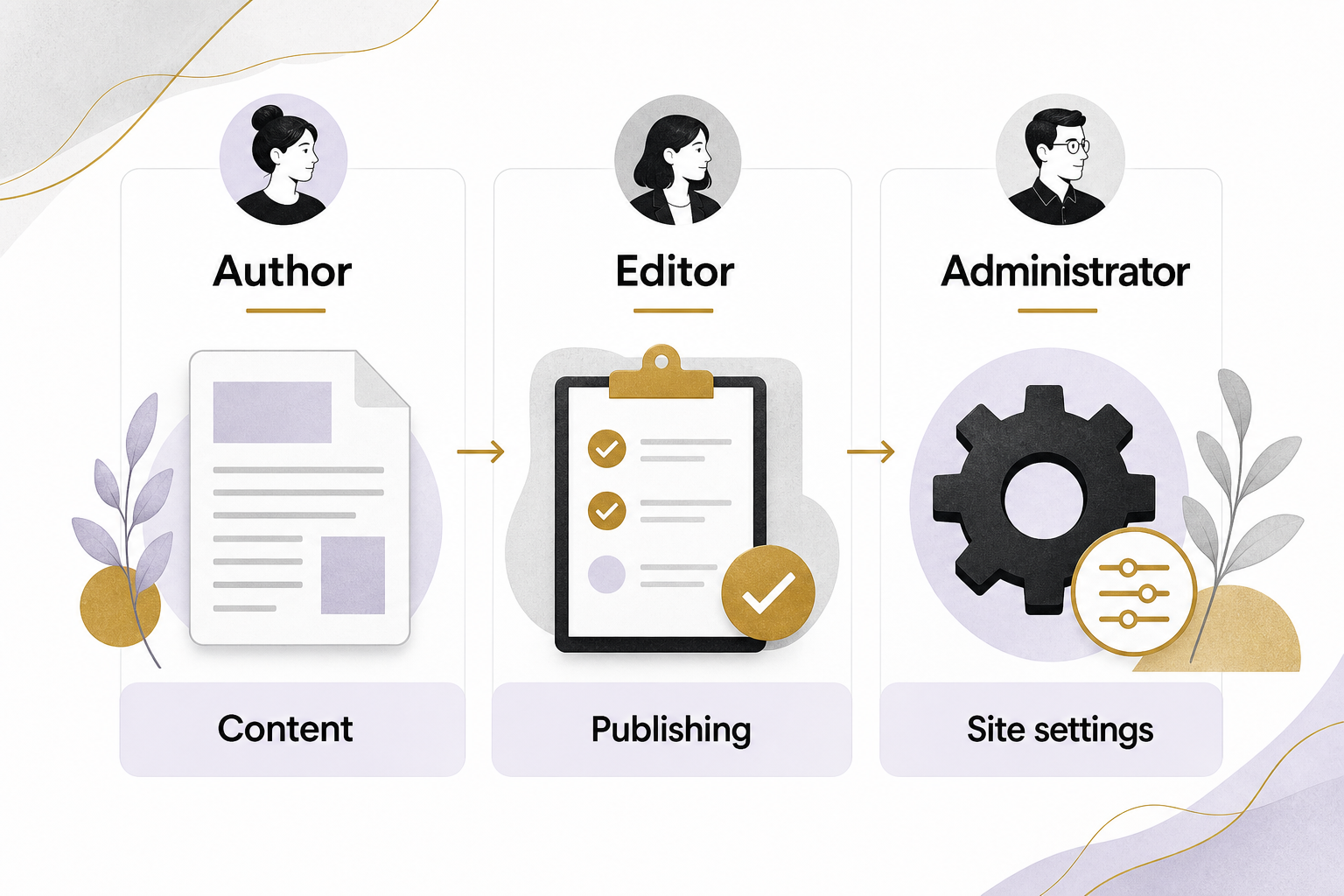
Use roles deliberately. WordPress, for example, distinguishes capabilities for authors, editors and administrators. Someone who writes articles does not automatically need authority to install software or manage users. WordPress: Roles and capabilities
Evaluate the maintenance responsibility
Every platform has ongoing responsibilities. A hosted builder may manage much of the infrastructure while limiting some customization. A self-hosted CMS may provide more control while leaving more decisions to the owner or maintainer.
WordPress’s security guidance emphasizes keeping software maintained, limiting access and preparing backups. Those are operating tasks, not a box checked forever at launch. WordPress: Hardening WordPress
Ask who handles updates, who verifies forms after a change and how recovery works. Check whether backups include the database and uploaded media. A backup that nobody has tested restoring is an assumption about recovery, not proof.
Put AI inside a controlled editorial workflow
AI can help draft an article, summarize a long page or suggest metadata. It can also produce incorrect descriptions, unsupported claims and inconsistent terminology. The CMS should make review easier before those mistakes reach visitors.
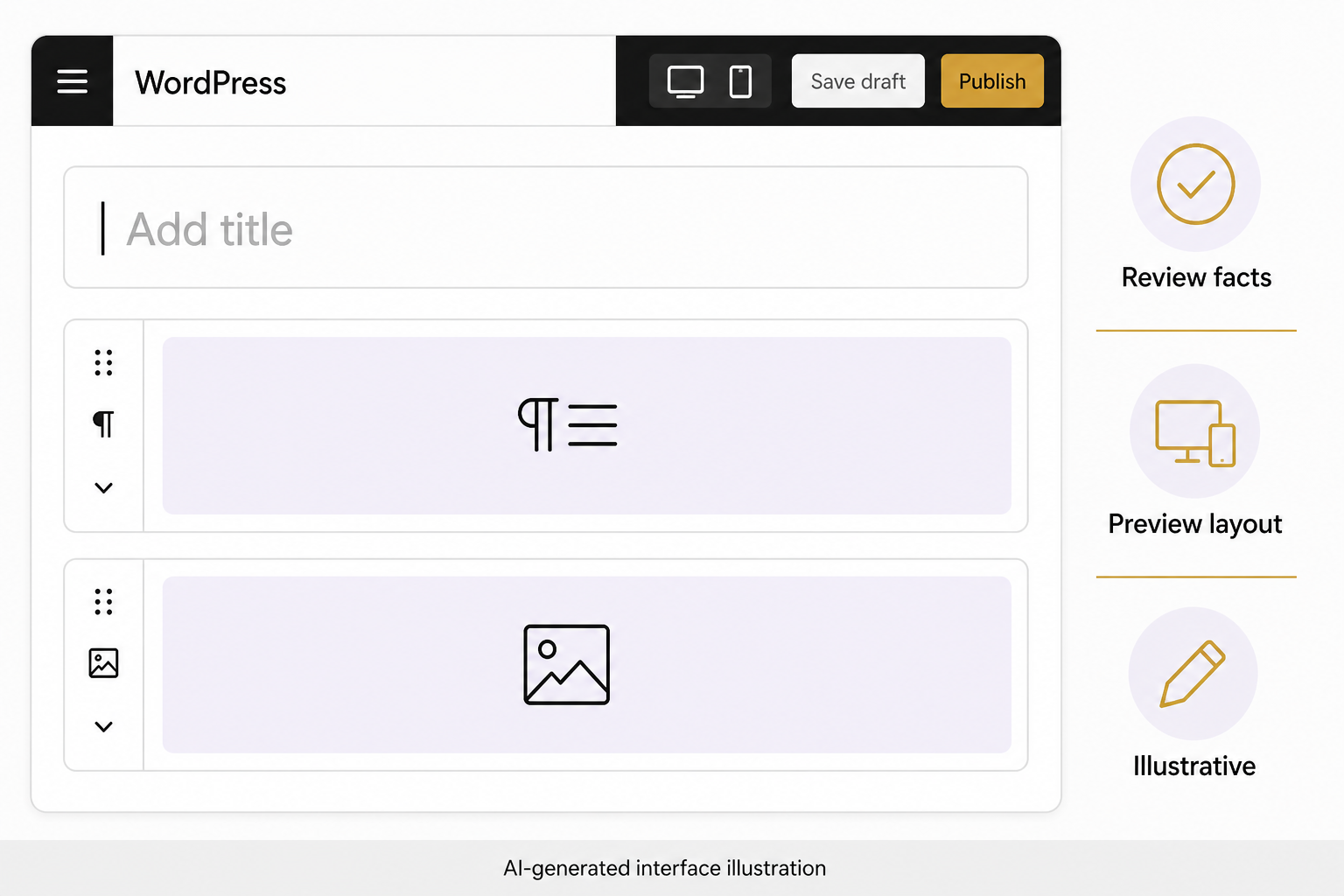
Look for a workable draft, preview and revision process. Decide who can publish and whether an AI connection can only create drafts. Keep approved business facts separate from generated suggestions so an invented service does not quietly enter the permanent record.
Review what an AI integration sends to external services. Public product descriptions and private customer records are different data classes. The fact that a feature appears inside your editor does not mean all processing stays inside your website.
For larger content updates, preserve originals and review a representative sample before expanding. Changing hundreds of pages quickly is useful only when the business can identify and reverse an error.
Run the same practical test on each option
- Create an article with headings, links and a correctly described image.
- Edit a service detail without disturbing the layout.
- Preview the page on mobile and at enlarged text size.
- Check the title, canonical URL and indexability controls.
- Save a draft, publish a test page and restore a previous version.
- Submit a form and verify its destination.
- Export the content and inspect what you can recover.
Record how much help each task requires. A platform may be easy for a designer but awkward for the person who will update it every week. That difference matters more than the number of templates advertised.
A hypothetical example
A local retailer wants to add buying guides and update product details. A CMS with reusable product fields and an article workflow may be helpful. A separate AI site generator that produces attractive pages but leaves inventory disconnected could create more work than it removes.
Another business only needs accurate contact details and a few stable service pages. It may be better served by improving its current editing process than migrating everything to a new system.
Plan the transition if you change systems
Inventory current URLs, content, forms and integrations. Preserve existing addresses where practical, and plan redirects when they must change. Test on a private preview before switching the public site.
Choose the system that supports reliable updates and ownership over time. If you want help evaluating your actual website tasks, bring the list to an Eastmoor Digital discovery call.
Sources & further reading
Primary references checked for this refresh. Availability and platform behavior may change.
- WordPress: Roles and capabilitiesChecked 2026-08-31
- WordPress: Hardening WordPressChecked 2026-08-31