

You finish a blog post, open Yoast SEO and see an orange indicator. You add the keyword again. The indicator improves, but the sentence gets worse. This is where a useful editing tool can start making the editorial decision for you.
Yoast SEO helps manage parts of a WordPress site’s search presentation and technical output. Its recommendations are checks to consider, not proof that a page deserves to rank. Set it up carefully, then judge the page as a reader would.
Check the existing setup before installing
Confirm whether the website already uses Yoast or another SEO plugin. Running overlapping tools can create conflicting titles, descriptions, canonical tags or structured data. If you are switching, plan the settings migration and keep a backup before removing anything.
Use a staging copy for significant configuration changes. Record a few representative pages before editing: the homepage, a service page, a blog article and an archive. You will use these same pages to check the result.
Identify which system owns each output. A theme, ecommerce extension or custom integration may already produce some structured data. Adding another layer without checking can create confusing duplicates.
Configure site identity and content types
Use accurate organization details and the correct site name. Review the content types and archive pages that should be available to search engines. Do not make every category, tag, attachment or thin archive indexable simply because the option exists.
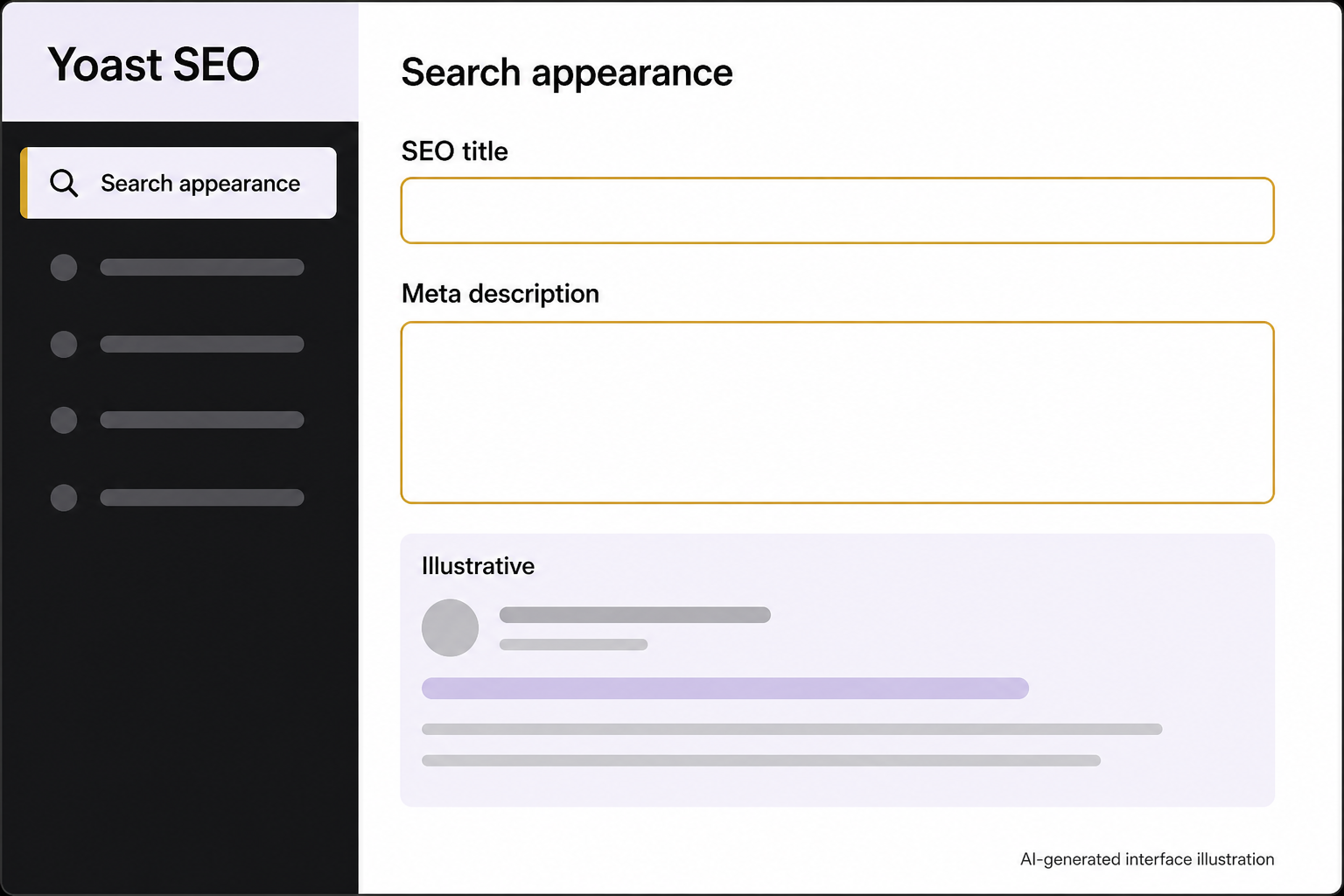
Yoast supports title and description templates across content types and archives. Those defaults are useful, but important pages still deserve individual review. Yoast: Metadata templates
Look for repeated brand names, empty variables and titles that no longer match the page. A default that works for articles may not work for product pages or service locations. Inspect actual output, not only the settings screen.
Optimize a page around a real question
Choose the main search intent: what does the reader need to learn or do? Use a focus keyphrase to guide editing, then write naturally. The plugin field does not submit a ranking request to Google.
Make the title specific, the introduction useful and the headings descriptive. Add internal links where they help someone continue the task. Remove unnecessary repetition even if a score becomes less colorful.
Review the snippet preview as an approximation. Search engines can display different titles and descriptions, so the preview is not a contract for how every result will appear. The page must still fulfill the promise its metadata makes.
Use AI metadata as a draft
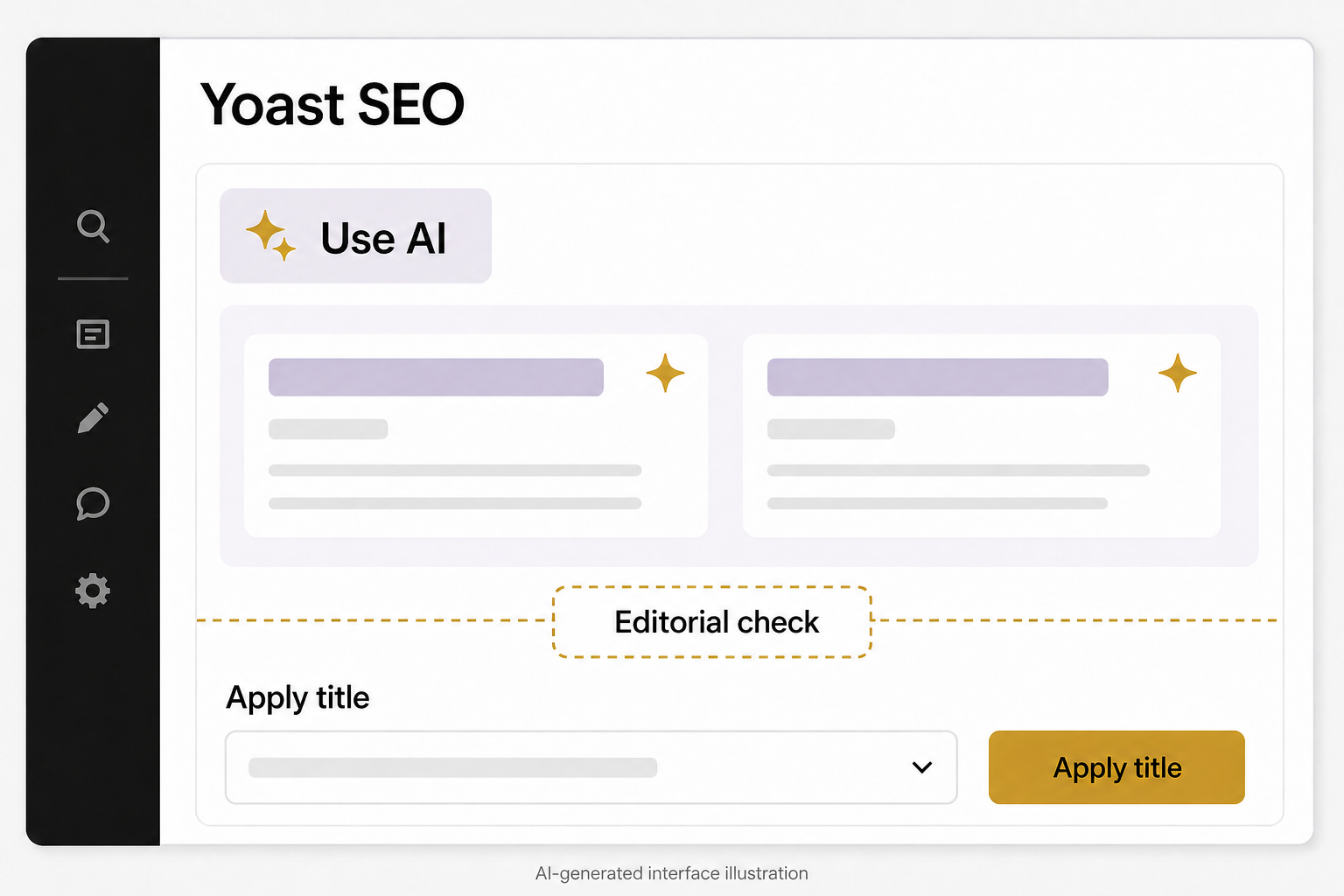
Yoast documents AI generation for title and description suggestions, with availability tied to supported products and plans. Its workflow also includes consent for external processing. Check the current terms and installed feature before using unpublished or sensitive content. Yoast: AI title and description generator
Give the generator a page that already contains the correct facts. Choose a suggestion that accurately describes the page, then edit it for clarity and voice. Reject added claims such as best, guaranteed or free unless they are appropriate and supported.
When refreshing many posts, review a sample before applying changes broadly. Save original metadata and keep a record of approved replacements. An AI-generated description that sounds polished but describes the wrong audience can reduce usefulness without producing an obvious technical error.
A hypothetical example
A business has an article about choosing a commercial cleaning schedule. An AI suggestion promises a pricing calculator, but the article contains no calculator. The correct edit removes that promise. Adding the keyword again would not solve the mismatch.
Verify sitemaps, canonicals and structured data
Check that the sitemap contains the public pages you intend to make discoverable. Check that an article’s canonical points to the intended public URL, especially after a migration or staging copy. Do not assume a sitemap submission guarantees indexing.
Structured data should describe the visible page accurately. A blog article may use Article or BlogPosting markup through the site’s implementation. Installing Yoast does not automatically qualify every page for stars, events or other enhanced search displays.
For breadcrumbs, verify that the visible navigation and markup agree. For social previews, check the selected image and text on representative pages. A settings change is only finished when the rendered page contains the intended result.
Measure outcomes outside the plugin
Use Search Console to review discovery and search performance, and use business records to evaluate useful inquiries. A green indicator does not establish either result. Website speed, accessibility, content accuracy and the quality of the offer still require separate attention.
Keep a change log for substantial edits so later performance shifts have context. Revisit pages when the answer changes, not merely to make the date look recent.
If your WordPress SEO settings have accumulated conflicting assumptions, bring the setup to an Eastmoor Digital discovery call.
Sources & further reading
Primary references checked for this refresh. Availability and platform behavior may change.
- Yoast: AI title and description generatorChecked 2026-08-31
- Yoast: Metadata templatesChecked 2026-08-31