

Your ad platform reports conversions every time someone clicks Submit. The form sometimes fails validation, so the report counts actions that never became inquiries. Google Tag Manager fired exactly when it was told to fire. The instruction was wrong.
GTM manages when measurement tags run. Reliable third-party conversion tracking starts earlier: define the business action, decide what data may be sent and establish the consent rules. Then test what the destination actually receives.
Define the conversion before selecting a tag
Write an event description in plain language. For example: “The sales inquiry was accepted successfully,” rather than “Someone clicked a button.” For a purchase, distinguish the completed order from the checkout page opening.
Identify the system that confirms success. It may be the form application, checkout or booking provider. Do not infer completion from a visual element unless the implementation reliably connects that element to a confirmed outcome.
Record the destination platform, account, event name and any required identifiers. Decide whether the event should be used for bidding, reporting only or a later qualification process. Not every tracked interaction should guide automated advertising decisions.
Inventory the existing collection routes
Check whether a plugin, theme, platform integration or other GTM container already sends the event. Adding a second route can double count activity without an obvious warning.
Confirm that the container belongs to the correct business and environment. Preserve the current published version and record the proposed change. Use separate permissions for editing and publishing when the workflow supports them.
Prefer a well-maintained, appropriate template or supported integration after reviewing its permissions and documentation. Custom HTML may be necessary in some cases, but it should not be the default way to paste unfamiliar code into a live site.
Use a clear event and data contract
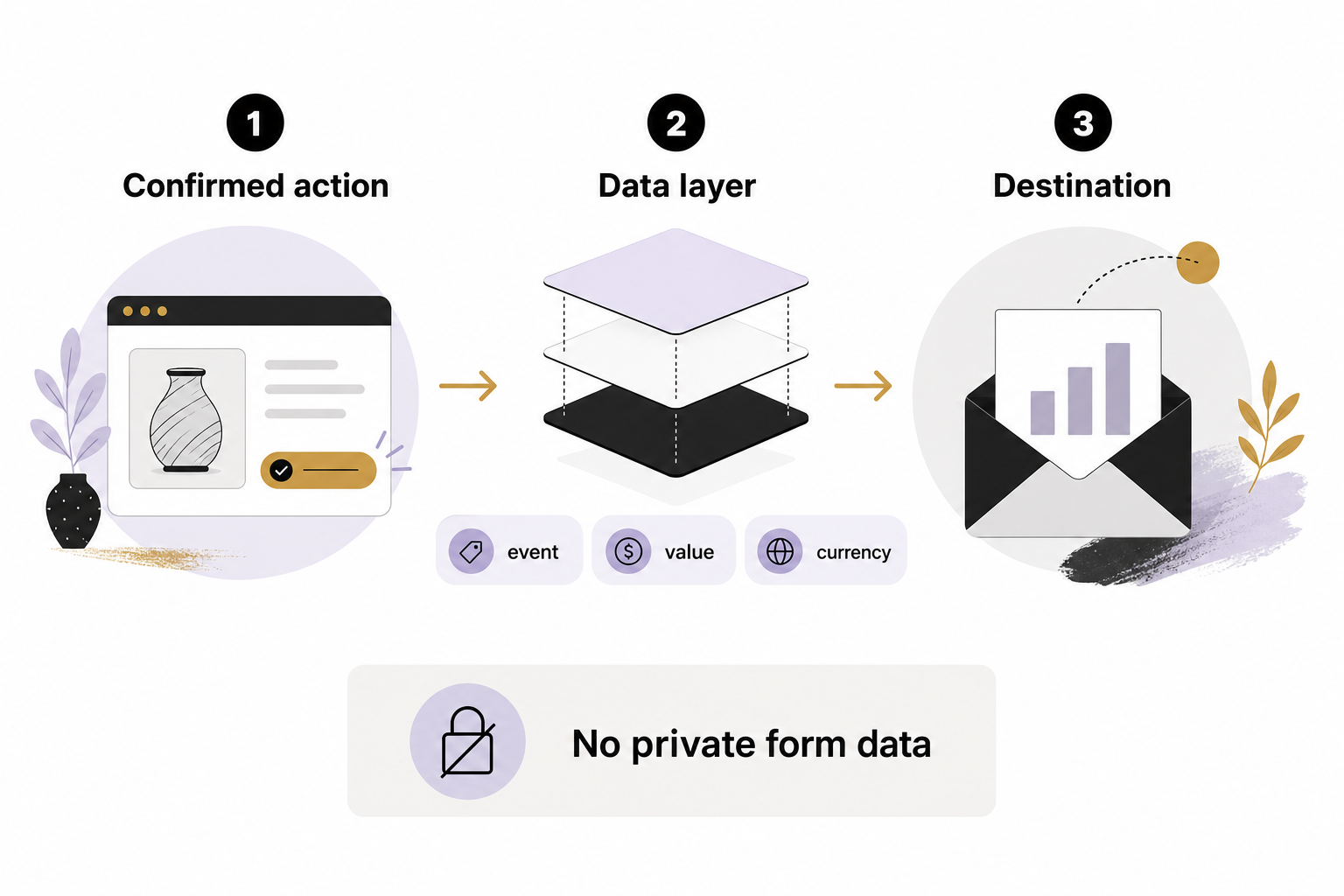
The data layer gives a website a structured way to expose events and values for tags. Google documents how GTM processes these messages and variables. Google: The data layer
Define which values are necessary: perhaps an event name, anonymous transaction reference, value and currency. Document types and expected behavior when a value is missing. Keep naming consistent and avoid allowing arbitrary form fields to flow into marketing tags.
Do not include names, email addresses, phone numbers or sensitive answers in ordinary Analytics events or URL parameters. Google prohibits personally identifiable information in these collection paths. Hashing information does not make every use permissible. Google Analytics: Avoid sending personally identifiable information
Make consent behavior explicit
Google Consent Mode adjusts supported Google tags according to consent state. It does not, by itself, make every third-party tag respect the visitor’s choice. Third-party tags need the appropriate configuration and testing. Google: Consent mode overview
Decide the intended behavior for unknown, denied, granted and withdrawn consent with the people responsible for privacy requirements. Basic and advanced implementations behave differently; do not assume a denied state always means no data transmission.
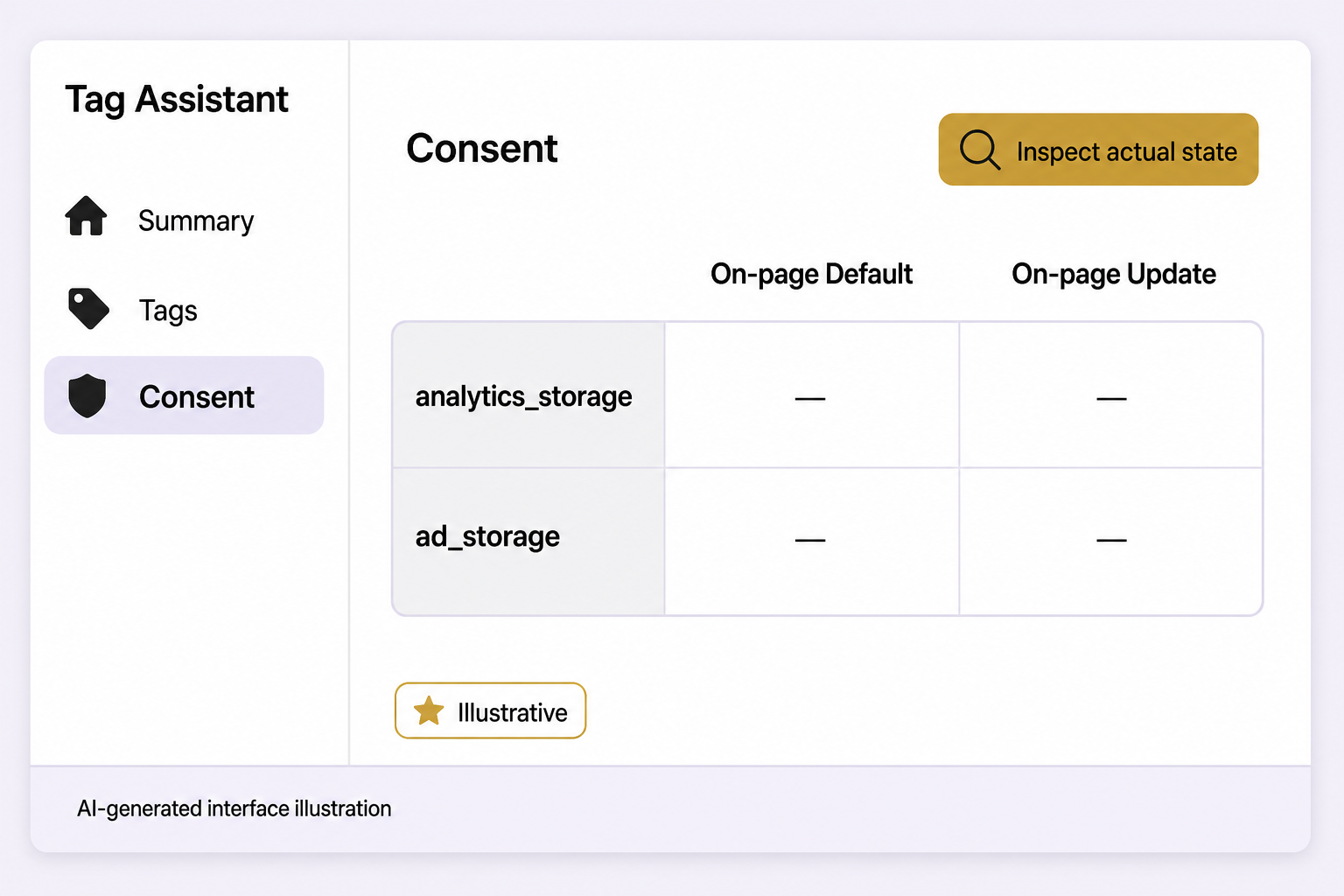
Initialize consent at the correct point and verify updates. Google’s debugging guidance recommends checking consent state and tag behavior with Tag Assistant. Follow supported template mechanisms rather than improvising consent commands in arbitrary HTML. Google: Troubleshoot consent mode
Test both success and failure
- A successful action sends the intended event once.
- A failed or incomplete action does not report success.
- Refreshes, repeated clicks and back-button navigation behave as designed.
- Consent choices change collection as intended.
- Values, currency and identifiers reach the correct account.
- Private data is absent from network payloads and debugging output.
- The form or checkout still works when optional tags do not run.
Check the destination platform after testing, allowing for its processing behavior. GTM Preview can show that a tag fired without proving the platform accepted a valid conversion.
Check browser and server duplication
If both browser and server routes report the same action, use the destination’s documented deduplication mechanism. Stable event or transaction identifiers may be required, but the exact design is platform-specific.
Server-side tagging is not permission to collect more data or bypass a visitor’s choice. Apply the same purpose, minimization and consent decisions to the entire route.
A hypothetical example
A booking form sends a confirmed appointment event, while a marketing plugin also sends a conversion when the thank-you page loads. A test booking reveals two destination events. The implementer chooses one intended route or configures supported deduplication, then repeats the test.
Use AI to review the plan, not authorize it
An assistant can help draft an event inventory, explain a trigger or propose test cases from sanitized configuration. Require it to flag assumptions. Do not paste credentials or customer payloads into an unapproved tool, and do not publish generated tags without technical review.
Release a named version, verify the public journey and keep a rollback path. For help connecting your tracking setup to meaningful outcomes, schedule an Eastmoor Digital discovery call.
Sources & further reading
Primary references checked for this refresh. Availability and platform behavior may change.
- Google: The data layerChecked 2026-08-31
- Google: Consent mode overviewChecked 2026-08-31
- Google: Troubleshoot consent modeChecked 2026-08-31
- Google Analytics: Avoid sending personally identifiable informationChecked 2026-08-31