

A customer relationship management system should help you answer three questions quickly: who is this person, what have we discussed, and what needs to happen next? If it cannot do that, adding automation will mostly speed up confusion.
HubSpot can organize contacts, companies, deals and activity. The best small business setup starts with a simple process and clean records. AI becomes useful when the system contains information worth summarizing.
Define the process before importing contacts
Write down how a new inquiry becomes a customer. Include the steps that actually occur: qualification, a conversation, an estimate, a decision and a won or lost outcome. Avoid adding stages simply because another business uses them.
Decide what a contact represents, when a company record is useful and when to create a deal. A newsletter subscriber is not automatically an open sales opportunity. An existing customer with a support question should not restart the new-customer pipeline.
Assign ownership for account administration, data quality and daily follow-up. In a small business, one person may hold several responsibilities. The responsibilities still need names.
Check your account’s actual capabilities
HubSpot features depend on product, subscription, seat, permissions and configuration. Do not assume social publishing, advanced workflows, custom reporting or every AI function is included because basic CRM tools are available.
Build a requirements list before selecting or expanding a subscription. Mark each requirement as available, requiring a different entitlement, or unnecessary for the first version. Check current product documentation and your account before making a purchase decision.
For AI, HubSpot documents Breeze Assistant for tasks including content assistance, meeting preparation and data summaries. Access and actions depend on settings, permissions and connected resources; certain features have additional requirements. HubSpot: Use Breeze Assistant
Prepare a small, clean import
Keep the original export unchanged as a recovery reference. Remove obsolete columns and separate fields that were combined for convenience. Standardize dates and agreed status values. Make sure you understand which field identifies an existing record.
Do not assume the system will discover every duplicate and safely merge it. Two people may share a company; one person may use multiple addresses. Automatic matching rules are not a substitute for reviewing ambiguous records.
- Choose the minimum fields needed for follow-up.
- Document the source and appropriate communication status.
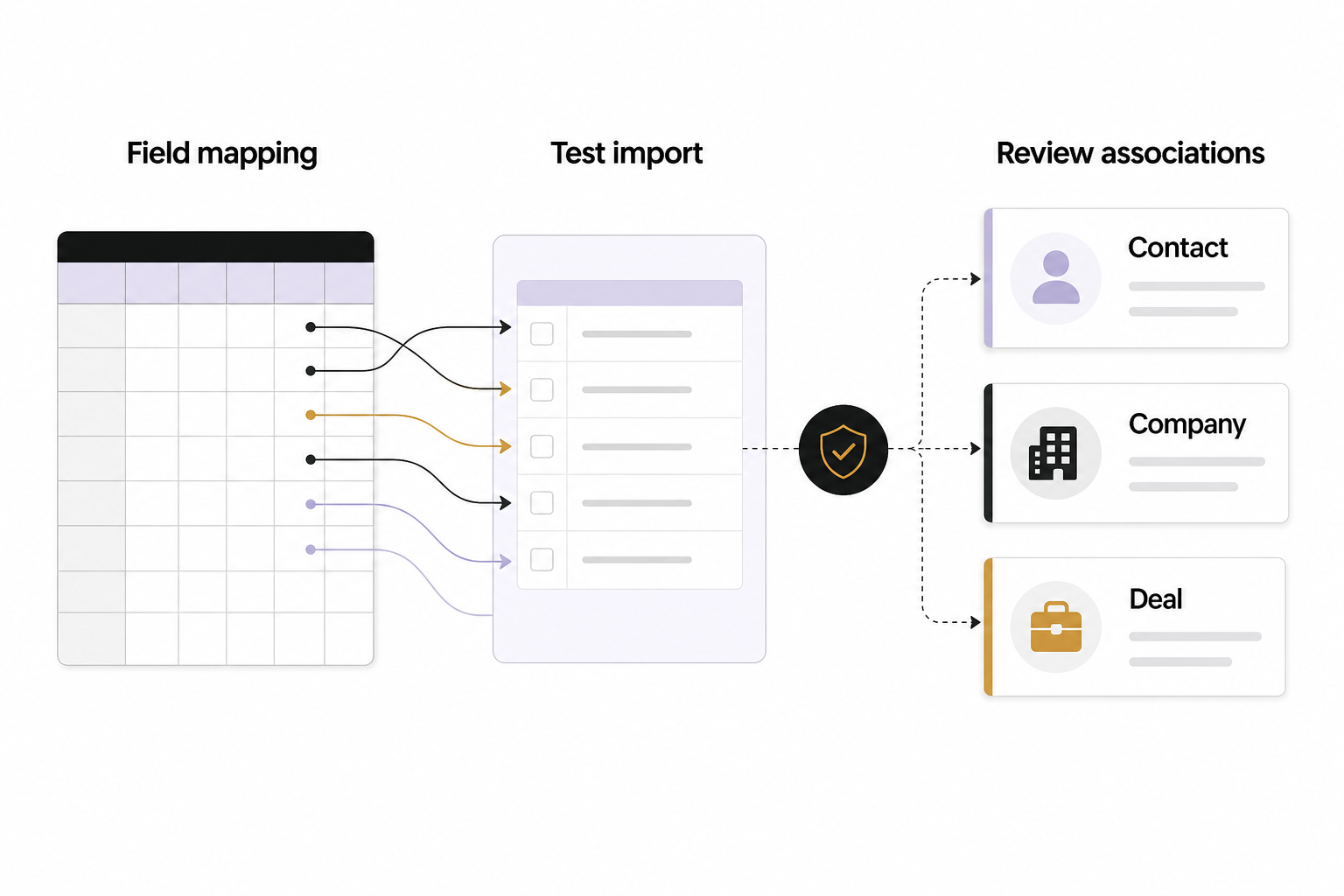
- Map every imported column deliberately.
- Test a small set containing new records and known existing records.
- Inspect associations, owners and overwritten values before expanding.
Importing a contact does not create permission to send every kind of marketing message. Keep communication preferences and suppression rules separate from sales usefulness.
Make deal stages observable
A stage should describe evidence, not optimism. “Conversation completed” is easier to verify than “Highly interested.” Define what must be true before a deal moves and what information is required at that point.
Every open deal should have a next action and an owner. Include a clear lost outcome with a useful reason, such as poor fit, timing or selected another provider. Do not force people to choose a reason they cannot know; an honest unknown is better than false precision.
Review how long deals remain in each stage. A full pipeline can look encouraging while containing months of inactive records. Close or reclassify stale opportunities according to a consistent process.
Add automation after the manual path works
Start with an internal reminder or routing rule that is easy to reverse. Use a test record, check enrollment conditions and confirm how someone exits the workflow. Inspect whether an integration creates duplicate contacts or changes ownership unexpectedly.
Keep customer-facing email in review until the sequence, timing, consent logic and suppression behavior are verified. A correct trigger does not make an incorrect message acceptable. Record which system is responsible for each action so two systems do not send the same follow-up.
A hypothetical example
A service company has inquiry forms, a shared inbox and a spreadsheet of estimates. Its first CRM version captures the source, service requested, owner and next action. A deal opens only after fit is confirmed. This is more useful than importing every email address into a pipeline called “Potential customer.”
Give Breeze a narrow, checkable task
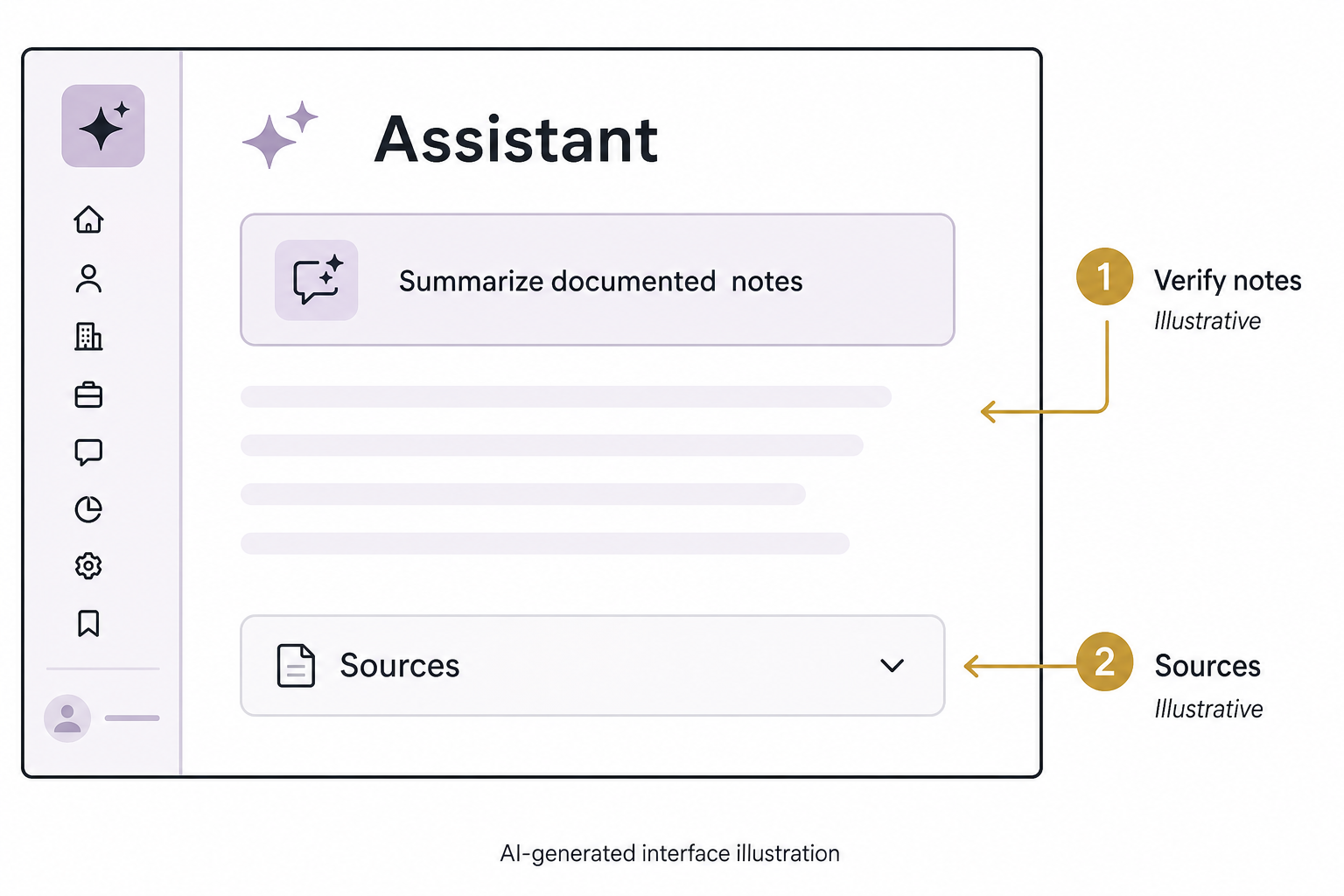
Ask it to summarize the last documented conversation, list unanswered questions and show the records it used. Compare the output to the underlying notes. Do not let an inferred preference become a customer fact or an estimated amount become reported revenue.
Before connecting additional applications, review data access and retention settings. An assistant can only help responsibly when you know what it can read and change. Keep publication, outbound communication and material record changes under the appropriate review controls.
Review the first useful dashboard
Begin with new qualified inquiries, overdue next actions and matured won or lost outcomes. Check the numbers against actual records. Expand reporting only when a new question requires it.
If you need to connect your marketing handoffs to a workable CRM process, start with an Eastmoor Digital discovery call.
Sources & further reading
Primary references checked for this refresh. Availability and platform behavior may change.
- HubSpot: Use Breeze AssistantChecked 2026-08-31