

Someone signs up for your emails because they expect something useful. Perhaps they want a buying guide, a class schedule or advice on maintaining a product. The first message either confirms that expectation or starts to erode it.
Email marketing basics have not disappeared because AI can write a newsletter. You still need permission, a clear reason to send and a working path from message to action. AI is most useful after those decisions are made.
Define the promise before collecting addresses
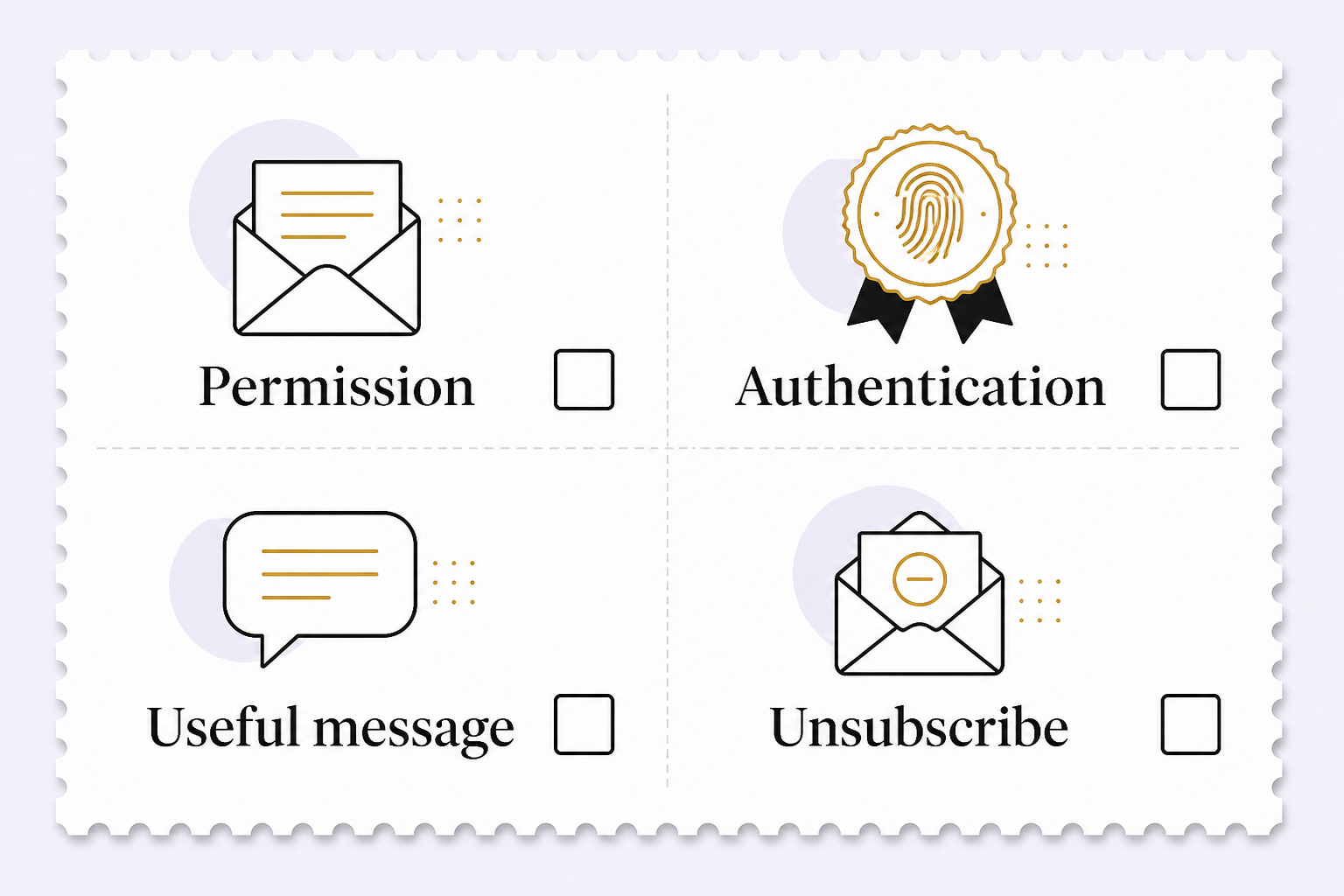
Write the signup explanation in plain language. Say what subscribers will receive and roughly how often. A person asking for an estimate has not necessarily requested an ongoing promotional newsletter. Keep those intentions distinct in your records.
Collect the information needed for the promised service, not everything a form can hold. Record the signup source and permission details. Do not buy a list to fill an empty dashboard. A smaller group that expects your messages is a better starting point for learning what helps.
Use confirmation where appropriate to verify that the address belongs to the person signing up. Test the form, confirmation email and subscription record before promoting the signup.
Make sure the business can send reliably
Use a reputable email service and configure the sending domain correctly. Gmail requires sender authentication and sets additional requirements for bulk senders, including SPF, DKIM, DMARC and one-click unsubscribe for relevant traffic. Requirements vary by sender and message type; review the current guidance with whoever manages your domain.
Authentication is not permission and does not guarantee inbox delivery. Messages still need to be wanted and accurately identified. Use a recognizable sender, a monitored reply address and a functioning unsubscribe process. Do not hide the exit because the list took effort to build.
Create one email around one useful decision
A clear email has a subject that matches the contents, an opening that explains relevance, a useful answer and one primary next step. An image can help demonstrate something, but the message should still make sense when images do not load.
For a hypothetical garden shop, a welcome email could help a new subscriber choose plants for a shaded porch. The next step might be a relevant guide, not a general sale. This example is a planning scenario, not a claim about any business’s results.
Write the essential content first. Then check the mobile layout, link labels and button destination. Avoid putting important terms in a graphic that is hard to read or inaccessible to a screen reader.
Give AI an approved source, not an empty assignment
Mailchimp’s AI content tools can produce editable email sections from a URL or text on eligible paid plans. That can shorten the first-draft stage. It does not establish that the source is current or every generated detail is correct.
Supply approved product information, the audience’s stated interest and the desired action. Ask for a draft that adds no claims, prices or availability beyond the source. Review the output against the original before testing layout.
Pay particular attention to invented discounts, false urgency and personalization that sounds like private knowledge. Do not upload customer lists or sensitive correspondence to an AI tool until its data handling and your permission to use that information have been reviewed.
Automate a small, understandable sequence
Start with a welcome sequence that delivers the promised resource and answers the next likely question. Map entry rules, waiting periods, exit rules and suppression conditions before activating it. A subscriber who opts out should not re-enter through a different integration.
Use test contacts to exercise the whole sequence. Check what happens when someone clicks, purchases, unsubscribes or submits the form twice. Keep promotional messages separate from receipts and other necessary service communications.
AI can suggest sequence wording or identify missing steps in your map. Keep sending permissions and commercial commitments outside an unconstrained model’s control. A useful workflow should be easy to pause when something changes.
Measure behavior beyond opens
Apple Mail Privacy Protection can inflate open counts. An apparent open therefore does not prove a person read the email. Avoid basing every automation or list-cleaning decision on that event alone.
Review relevant clicks, replies, completed purchases or appointments, unsubscribes, complaints and delivery failures. Clicks may also include automated activity, so compare them with meaningful destination actions. Record the definition and reporting window before comparing campaigns.
Build a repeatable review
After each campaign, ask whether the promised value was delivered, the intended audience received it and the next step worked. Change one meaningful element for the next test. Keep a note of what changed and why.
To build an email program around your customers’ actual needs, schedule a discovery call with Eastmoor Digital.
Sources & further reading
Primary references checked for this refresh. Availability and platform behavior may change.
- Mailchimp: Create email content with AIChecked 2026-08-31
- Mailchimp: Apple Mail Privacy Protection FAQsChecked 2026-08-31
- Gmail email sender guidelinesChecked 2026-08-31