

A person hears about your business and checks Facebook before contacting you. They find an old cover image, uncertain opening hours and unanswered comments. Even if your latest post looks polished, the page has not answered the questions that brought them there.
Using Facebook for business starts with being useful and easy to verify. AI now plays a larger role in content discovery and creation. Your job is to supply clear facts, relevant stories and a dependable next step.
Make the page answer basic questions
Review the business name, description, contact details, hours and website link. Explain what you do and where you do it. If an offer or event has ended, update or clearly date the relevant content.
Choose a primary action that suits the business: a website visit, an inquiry or another available contact route. Test it from a visitor’s perspective on a phone. The destination should explain what happens next rather than drop the person into an unrelated page.
Use proper account access instead of shared passwords. Review who can manage the page and advertising account, and keep account recovery information current.
Understand the newer discovery environment
In June 2026, Meta announced Facebook AI Mode, which uses public conversations across its apps to help answer questions. Availability can vary as features roll out.
That does not create a formula for being recommended. It does make clear public explanations worth maintaining. State the service, location and relevant conditions naturally. Do not flood groups with near-identical answers in the hope of influencing an AI response.
AI-generated summaries may misrepresent or omit context. Keep authoritative business information on your own website and make the connection from the page easy to follow.
Publish evidence people can use
Build content around questions, demonstrations and timely business information. Explain a common decision. Show a process accurately. Share a real update with enough context to help someone act.
Meta’s 2026 update describes changes to recommendations and an emphasis on original content. Avoid treating recycled captions and generic stock videos as a substitute for something your business can actually teach.
For a hypothetical repair shop, a useful video might show how to identify a model number before requesting service. It helps customers prepare and makes the later conversation easier. It need not promise a dramatic outcome to be worth watching.
Use AI to support a real content source
Start with approved notes, a recording or a current service page. Ask an assistant to draft a caption, identify unclear wording or suggest a sequence for a demonstration. Check the result against the original.
Do not let AI invent a customer story, a staff member or a completed project. If a visual is illustrative, avoid presenting it as evidence. Keep permissions for customer images and remove private information before uploading material to a tool.
Review captions and translations carefully. Product names, locations and qualifications are easy places for an automated draft to introduce an error that changes the meaning.
Make conversations part of the plan
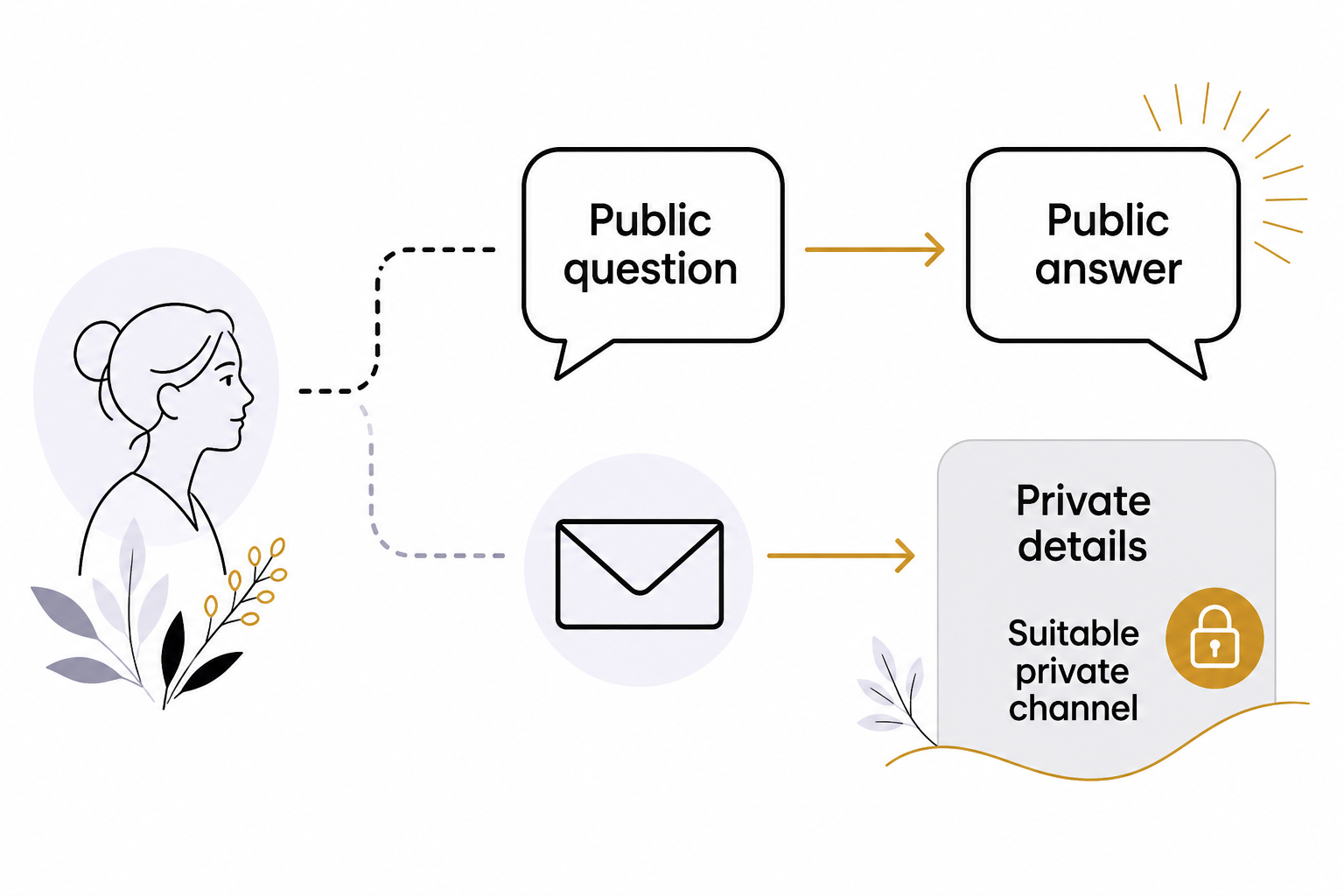
Set a realistic routine for reviewing comments and messages. Answer the public question where appropriate, but move private account details into a suitable channel. Do not ask customers to publish sensitive information under a post.
Use saved replies for recurring logistics only when the details remain current. An AI draft can help phrase a response, but a complaint or unusual request needs attention to the actual circumstances.
Groups can be useful when you contribute relevant information and follow their rules. Read the context before replying. A group is not a permission slip to contact every member or promote every post.
Separate organic activity from paid campaigns
A post that earns comments may not be the right ad for generating inquiries. Paid campaigns need a defined objective, suitable creative, approved budget and working follow-up process. Keep the promise in the ad consistent with the page or form it opens.
Check automated creative and audience settings before launch. Do not assume that an AI recommendation has considered the service area, availability or business constraints correctly. Test small enough to learn without losing oversight.
Measure whether Facebook helps the customer journey
Review useful conversations, relevant website visits, event attendance and qualified inquiries alongside reach and engagement. Record the source in customer records where possible. A large audience outside your service area may be less useful than a small set of relevant local conversations.
Keep a monthly note of what content answered real questions and what created confusion. Use AI to organize the observations, then verify them against the underlying posts and records.
If your Facebook activity needs a clearer purpose, schedule a discovery call with Eastmoor Digital.
Sources & further reading
Primary references checked for this refresh. Availability and platform behavior may change.
- New AI tools on FacebookChecked 2026-08-31
- Meta: 2026 AI Drives PerformanceChecked 2026-08-31